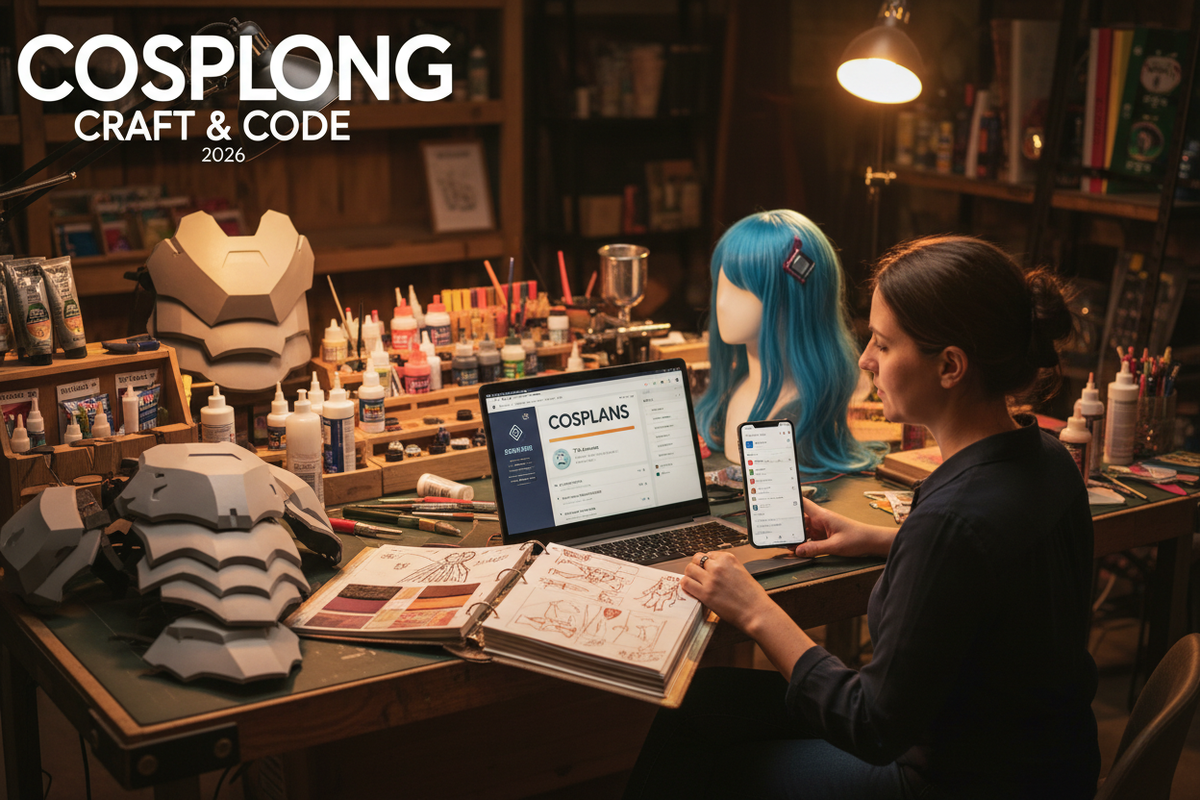
Managing a modern costume build is closer to running a small manufacturing project than crossing off a quick grocery list. A single armor set or detailed gown involves sourcing specialized EVA foam, ordering wigs from overseas, tracking tight budget caps, and balancing multiple construction stages before convention deadlines.
On social platforms like TikTok under #cosmaking, community discussions frequently highlight the demand for dedicated workflow tracking. Creators regularly post advice like: "Cosplay planning apps have been literal life savers for me! They are a great way to help keep you organized and there are so few out there."
Standard generic to-do apps often fall short because they lack costume-specific features like material unit costs, progress photo galleries, and multi-stage build tracking. In this roundup, we review the top digital tools and low-tech options to help you choose the best cosplay project management app for your workflow.
Quick Comparison: Top Cosplay Project Planning Tools
| Tool Name | Tool Category | Core Highlight | Pricing | Best For |
| Cosplanner | Dedicated Mobile App | Built-in budget calculators & progress % bars | Free (In-app purchases) | Mobile-first builders who want a ready-to-use setup |
| Notion (Cosplay Templates) | All-in-One Database | Relational databases connecting materials to builds | Free (Paid plans available) | Advanced makers managing complex multi-part armor |
| Trello | Visual Kanban Board | Drag-and-drop card columns for build stages | Free (Paid tiers available) | Visual thinkers who like stage-by-stage pipelines |
| CosMaker / CosHub | Niche Cosplay Trackers | Character photo boards & convention countdowns | Free / Freemium | Quick reference tracking on iOS & Android |
| Custom Spreadsheets & Binders | Low-Tech / Analog | 100% offline privacy & physical fabric swatches | Free – $15 (for binders) | Workshop builders who prefer paper & formulas |
1. Cosplanner & Dedicated Mobile Apps — Specialized Mobile Build Tracking
Core Features: Dedicated cosplay planning app choices like Cosplanner provide a pre-structured environment built specifically for cosplayers. You can create dedicated project cards for individual characters, upload character reference photos, break down sub-tasks by costume piece (e.g., helmet, breastplate, boots), log shopping expenses, and track your overall completion percentage.
                  [ DEDICATED COSPLAY APP WORKFLOW ]
                                   │
     ┌─────────────────────────────┼─────────────────────────────┐
     ▼                             ▼                             ▼
1. Reference Gallery          2. Budget Tracker             3. Build Timeline
- Offical Art & Screencaps   - Foam, Wigs, Dyes            - Task completion %
- Cosplay WIP Photos         - Spent vs. Remaining         - Con Deadline Countdown
-
Pros:
-
Zero setup required; ready to use immediately out of the box.
-
Native smartphone integration makes it easy to snap and upload WIP (Work In Progress) photos directly from your workbench.
-
Built-in event countdown timers alert you when convention dates are approaching.
-
-
Cons:
-
Limited desktop browser sync options in older mobile-only apps.
-
Less flexibility to customize database fields compared to modular tools.
-
-
Best For: Cosplayers looking for a fast, mobile-friendly cosplay build tracker without spending hours configuring custom software.
2. Notion (with Custom Cosplay Templates) — Powerful Multi-Database Management
Core Features: Notion has quickly become the preferred workspace for competitive cosplayers and master prop builders. By using custom-built cosplay databases, you can link material inventories (e.g., sheets of 5mm EVA foam, specific wig shades) directly to specific character projects.
+-------------------------------------------------------------------------+
| NOTION COSPLAY DASHBOARD                                                |
|                                                                         |
| [Active Project: Elden Ring Armor]           Progress: [██████░░░░] 60% |
| ----------------------------------------------------------------------- |
| MATERIALS INVENTORY        | BUILD TASKS            | BUDGET SUMMARY    |
| • High-Density Foam (4mm)  | [x] Patterning Chest   | Budget: $400.00   |
| • Worbla Black Art (1m)    | [/] Prime & Seal Armor | Spent:  $245.50   |
| • Acrylic Gemstones        | [ ] Install LED Wiring | Remaining: $154.50|
+-------------------------------------------------------------------------+
-
Pros:
-
Infinite customization—track everything from vendor lead times to paint color codes.
-
Syncs seamlessly across mobile devices, tablets, and desktop computers.
-
Allows you to store high-resolution reference images, pattern PDFs, and 3D printing files in one place.
-
-
Cons:
-
Steeper learning curve for users who are new to database tools.
-
Requires setting up or importing a template before you start logging tasks.
-
-
Best For: Intermediate to advanced creators seeking a comprehensive cosplay project management system for complex, multi-component costumes.
3. Trello — Visual Kanban Boards for Stage-by-Stage Workflows
Core Features: Trello uses a visual card-and-board system (Kanban method) to help you visualize your project pipeline. You set up horizontal columns representing manufacturing phases—such as Reference & Patterning, Material Sourcing, Construction, Priming & Painting, and Finished—and drag task cards across the board as work progresses.
-
Pros:
-
Highly visual interface makes it easy to see project bottlenecks instantly.
-
Easy to collaborate with cosplay groups or commission partners.
-
Integrates with Google Drive and Dropbox to attach patterns or instruction files to cards.
-
-
Cons:
-
Lacks native auto-calculating budget tables unless paired with external browser plugins.
-
Can become visually cluttered if a single costume includes dozens of small prop pieces.
-
-
Best For: Visual thinkers who prefer card-based boards and clear phase-by-phase progress tracking over text-heavy lists.
4. Custom Spreadsheets & Physical Binders — Low-Tech Alternatives
Core Features: If you prefer to minimize screen time at your crafting workbench, physical build binders and Google Sheets templates remain effective cosplay making tools. A physical binder uses plastic sleeve inserts to hold fabric swatches, printed reference photos, paper patterns, and printed receipts alongside handwritten task checklists.
-
Pros:
-
100% offline reliability—no battery drain, app crashes, or subscription fees.
-
Physical binders allow you to staple real fabric samples and compare paint test cards directly against reference prints.
-
Google Sheets offer precise, formula-based budget control for cost-conscious builders.
-
-
Cons:
-
Requires manual updating; no automatic mobile push notifications for upcoming deadlines.
-
Physical binders are bulky to transport to conventions or fabric stores.
-
-
Best For: Workshop makers who prefer physical tactile organization or spreadsheet enthusiasts who want direct control over raw data.
How to Choose the Right Cosplay Project Management Tool for You
Selecting the ideal tool comes down to your personal crafting habits and technical preferences:
                      [ TOOL SELECTION DECISION TREE ]
                                      │
           Is mobile photo logging your top priority?
                      ├── YES ──► Choose Cosplanner / CosMaker
                      └── NO
                          │
          Do you run complex multi-part builds & inventories?
                      ├── YES ──► Choose Notion (Custom Template)
                      └── NO
                          │
          Do you prefer visual drag-and-drop boards?
                      ├── YES ──► Choose Trello Kanban
                      └── NO  ──► Use Google Sheets or Paper Binders
-
Evaluate Build Complexity: Simple closet cosplays only require a basic mobile app like Cosplanner. However, armor builds with dozens of components benefit from Notion or Trello.
-
Prioritize Budget vs. Schedule: If staying under budget is your primary concern, select a tool with strong formula support (such as Google Sheets or Notion). If meeting convention dates is your main bottleneck, review our guide on halloween cosplay planning timelines to structure your deadlines effectively.
-
Test Accessibility: Ensure your chosen system is easy to update while working in your shop space—whether that means taking quick phone photos or writing notes in a physical binder.
Summary & Next Steps
Adopting a specialized project management setup transforms overwhelming costume projects into structured, manageable steps. Whether you choose a dedicated mobile app, a customized Notion dashboard, or a classic physical binder, organized build tracking keeps your budget on target and ensures your costume is ready for the convention floor.
Recommended Next Steps:
-
Explore our detailed guide on halloween cosplay planning timelines to align your new app workflow with realistic production schedules.
-
Download or duplicate a free Notion cosplay template to start organizing your next build.
![Genderbend Cosplay Ultimate Guide: From Beginner to Master [2026 Edition]](http://www.cosplayreal.com/cdn/shop/articles/cover-genderbend-cosplay.png?v=1789148679&width=1248)

コメントを書く
このサイトはhCaptchaによって保護されており、hCaptchaプライバシーポリシーおよび利用規約が適用されます。